
How to Get Instant Notifications for Facebook Ad Leads (Never Miss Another Lead)
By Keven Bermeo · · 8 min read
If you're running Facebook ads with instant forms, you've probably experienced this frustrating problem: Facebook doesn't send you priority notifications when someone fills out your lead form. You might get an email eventually, but by the time you see it, an hour or two has passed.
And here's the brutal truth: if you're not following up with Facebook ad leads within the first 5 minutes, they go cold. They won't answer your calls. They won't respond to texts. They lose complete interest.
In this guide, I'm going to show you the exact automated lead notification system we use to ensure our clients get notified instantly when a lead comes through - and how we automatically text the lead within seconds.
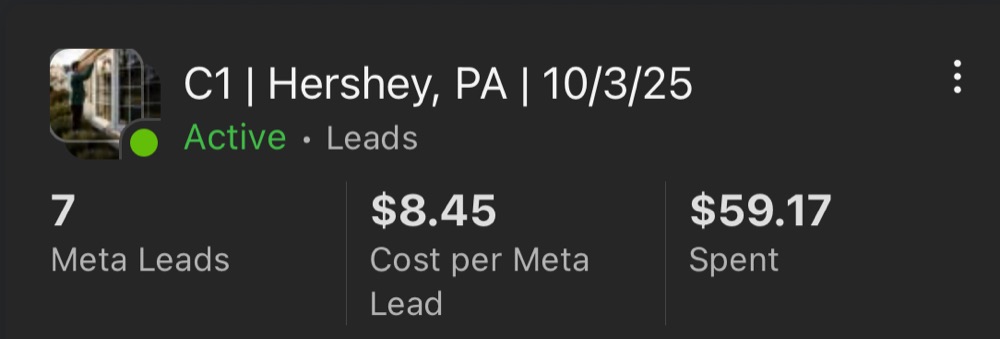
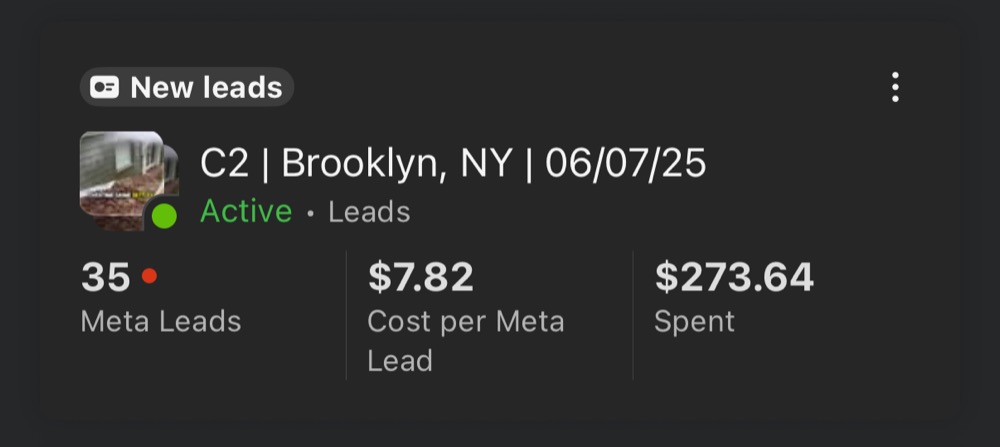
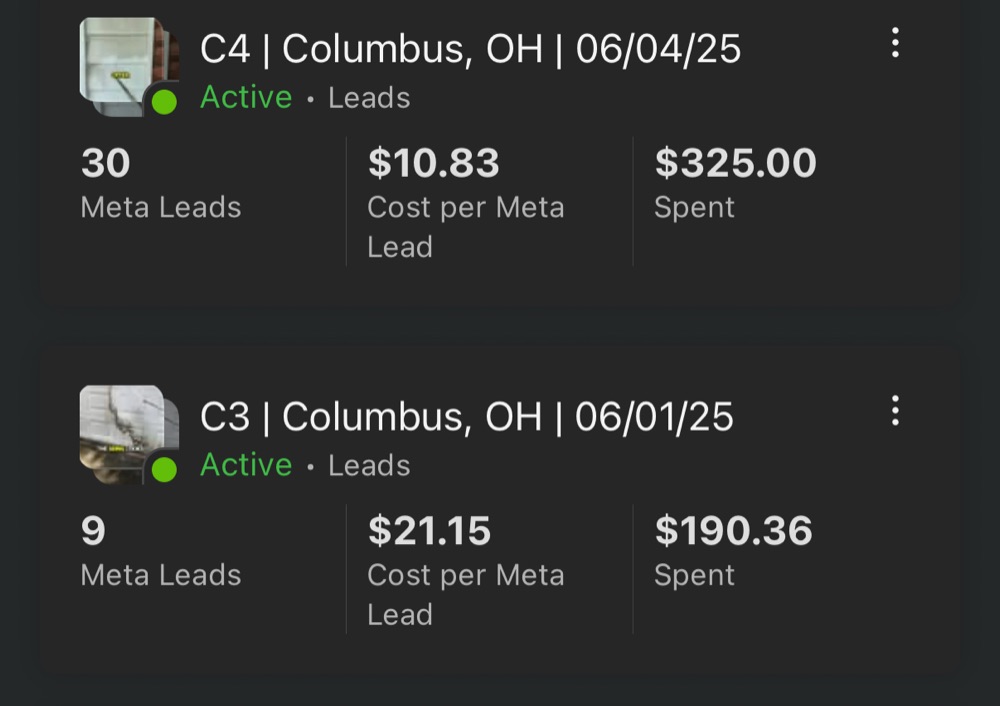
💡 Want to see this system generate real results? Check out how one client got 123 leads at $10.68 CPL using this exact automation.
The Facebook Lead Notification Problem
When you create a Facebook instant form campaign, you set up fields asking for:
- Full name
- Email address
- Phone number
- Street address
But Facebook doesn't prioritize notifying you when someone submits this form. The result? Leads sit there waiting while you're completely unaware they even exist.
Why You Need a CRM for Facebook Ads (It's Not Optional)
You might think you can just check your leads in Meta Business Suite's lead center. But here's the problem: Facebook deletes your contacts after 90 days.
That means you only have access to the last 90 days of leads. Any phone numbers, emails, or addresses from leads before that? Gone forever.
This is exactly why we set up all our clients on LeadCatch CRM. Once someone opts into your Facebook ad, they stay in the CRM permanently. You always have access to that lead for future follow-ups or marketing campaigns.
📖 Learn more: Complete guide to pressure washing business automation
The Automated Lead Notification System
Here's exactly how we set up the instant Facebook lead notification automation:
Step 1: Form Field Mapping
We map the Facebook form fields directly to the CRM. When someone submits the form, their information automatically populates the correct contact fields in LeadCatch. You never have to manually enter anything.
Step 2: Instant Mobile Notifications
The moment someone fills out your Facebook form, you get a notification on your mobile app:
"[Contact Name] is a new lead - [Contact Phone Number]"
This way, if you want to call the lead immediately from your phone, you can do it right away.
Step 3: Automatic SMS to the Lead
At the exact same time, the system automatically sends an SMS to the lead:
"[Contact Name], this is [Owner Name] with [Company Name]. Just saw your info come through on Facebook. What are you looking to get cleaned first?"
As you can see in our client example, when the contact opted in at 11:00 AM, the text was sent at 11:00 AM. Zero delay.
AI-Powered Follow-Up System
But the automation doesn't stop at the first text. Here's where it gets really powerful.
When the customer replies to that initial message, our conversational AI takes over and handles the entire conversation:
Lead Qualification
The AI first qualifies whether the lead is in your service area:
"We do house washes and walkways all the time. Are you in the Orlando area or outside of it?"
If they're too far outside your service radius, the AI disqualifies them. If they're within your area, it continues the conversation.
Automatic Appointment Booking
The AI then attempts to book an appointment, automatically offering available times:
"I have availability Tuesday, November 4th from 9:00 AM to 3:00 PM. Does that work for you?"
When the customer confirms, it automatically books the appointment in your calendar. No manual scheduling required.
Pipeline Management Made Easy
The system automatically moves contacts through your pipeline:
- New Lead: Just opted in from Facebook
- Lead Replied: Customer responded to initial text
- Quote Scheduled: Appointment booked
- Job Scheduled: Customer confirmed service
- Invoice Sent: Quote delivered
Everything updates automatically based on the customer's actions. The contact card shows exactly how much revenue each lead is worth.
Built-In Payment & Invoicing System
Since the system already has the customer's address from the Facebook form, sending invoices is incredibly easy:
- Select the contact
- The address is already populated
- Customize the quote
- Send from computer or mobile
Customers can pay directly through the invoice, and the system tracks everything automatically.
Additional Features Included
Business Phone Number
We set up a dedicated business line for you in your preferred area code. You can text and call customers through the desktop software or mobile app, keeping your personal number private.
Social Media Management
Post to all your social media accounts (Facebook, Instagram, TikTok, YouTube) from one platform. Record content at a job site and share it everywhere with one click.
Real Results
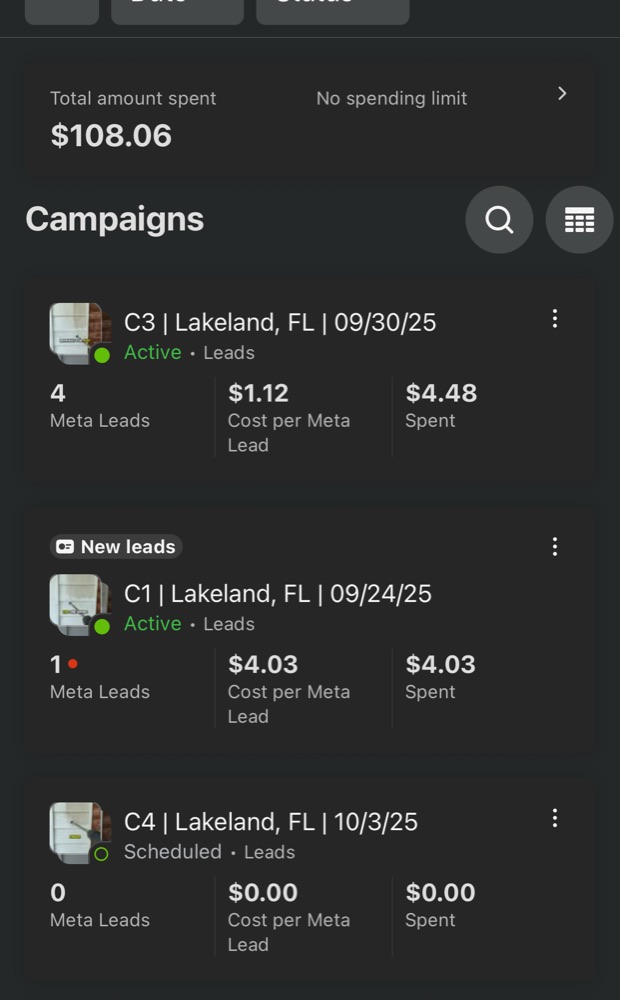
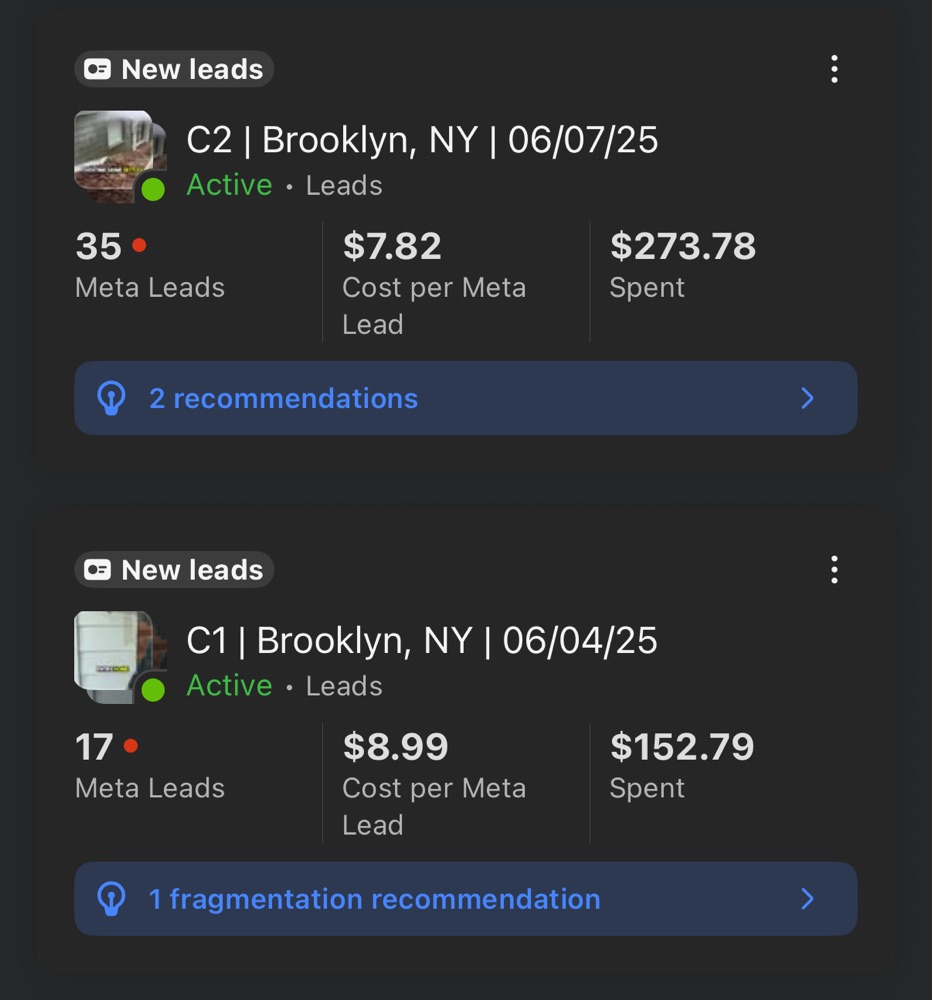
One of our clients spent only $26 on their campaigns and already closed a $325 job. The system works because it ensures no lead falls through the cracks.
When you're generating hundreds of leads per month, you absolutely need a system like this. Once you get booked out, it becomes impossible to manually follow up with every single lead.
Getting Started
If you want this system running for your pressure washing business, here's how LeadCatch works:
- Ads Management: we build, launch, and manage your Facebook ads (learn more)
- Local Video Content: 20 short videos a month posted for you (learn more)
- The LeadCatch app: notifications, AI follow-up, pipeline, invoicing, and Social Planner, included with every plan
See the pricing page for current plans.
This isn't just a Facebook ads service. It's a complete marketing and follow-up system built for pressure washing businesses.
📊 See the results: How to scale to $10K/month with 72 Facebook ads
Never Lose Another Lead
The difference between a profitable Facebook ad campaign and a money pit often comes down to one thing: speed of follow-up.
With instant notifications, automatic texting, and AI-powered conversations, you'll never miss another opportunity. Every lead gets followed up with immediately, every appointment gets booked automatically, and every customer gets a professional experience from start to finish.
If you have any questions about the system or want to see if it's right for your business, book a call and we'll walk you through everything.
Related Articles
How to Send Professional Invoices and Contracts That Get You Paid (LeadCatch Tutorial)
Complete walkthrough of sending professional estimates, invoices, and binding contracts using LeadCa
Full Breakdown: The LeadCatch Pressure Washing Website (Every Feature Explained)
Most pressure washers run one campaign and wonder why their leads suck. In this video, I break down
Never Lose a Pressure Washing Job to "I Have to Talk to My Wife" Again
85 leads and $10,000 in revenue. These are the results we get for our clients during spring summer s
Frequently asked questions
How fast should I follow up with Facebook ad leads?
You should follow up within 5 minutes of receiving a lead. Research shows that leads contacted within 5 minutes are 21x more likely to convert than those contacted after 30 minutes. The automated notification system ensures you never miss this critical window.
Why doesn't Facebook send priority notifications for leads?
Facebook's native notification system for instant forms is not designed for immediate alerts. Email notifications can be delayed by hours, which is why a dedicated CRM with instant SMS notifications is essential for home service businesses running Facebook ads.
What happens to my Facebook leads after 90 days?
Facebook automatically deletes lead data from their system after 90 days. Without a CRM storing your leads permanently, you lose access to valuable contact information and the ability to remarket to past leads. LeadCatch CRM stores all leads indefinitely.
Can the AI system handle lead qualification automatically?
Yes, the AI conversational system can qualify leads by asking about their service area, project details, and availability. It automatically disqualifies leads outside your service area and books appointments for qualified leads, saving you hours of manual follow-up.
How much does the automated lead notification system cost?
The LeadCatch app, with automated notifications, AI follow-up, SMS notifications, appointment scheduling, and invoicing, is included with every LeadCatch plan (Local Video Content, Ads Management, or both). See the pricing page at leadcatch.co/pricing for current plans.
Keep reading
Facebook Ads
I Spent Thousands on Facebook Ads for Pressure Washing: Here's What Happened
I pulled back the curtain on our internal dashboard to show exactly what thousands in Facebook ad spend looks like for pressure washing businesses: $12 leads, 3x ROI, and $76K in invoiced revenue through one platform.
· 9 min read
Facebook Ads
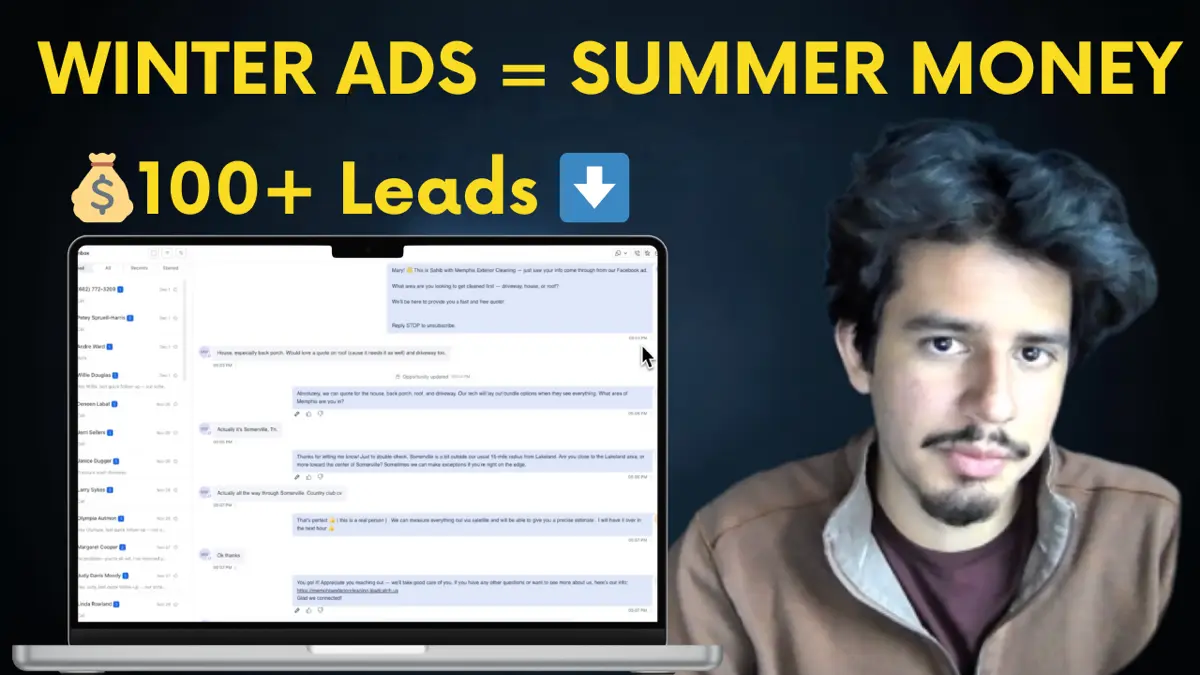
Run Facebook Ads in Winter or Lose $100K Next Season (Pressure Washing)
Winter pressure washing ads are the secret to six-figure spring seasons. See real December 2024 results and learn why running ads now builds momentum your competitors will never catch.
· 10 min read
Facebook Ads
How to Run Profitable Facebook Ads for Pressure Washing in 2024
Discover how to create profitable Facebook ads with $99 driveway offers, split-test ad copy, and convert leads immediately with phone follow-up. Real results from June 2024.
· 12 min read